Every change is a toggle
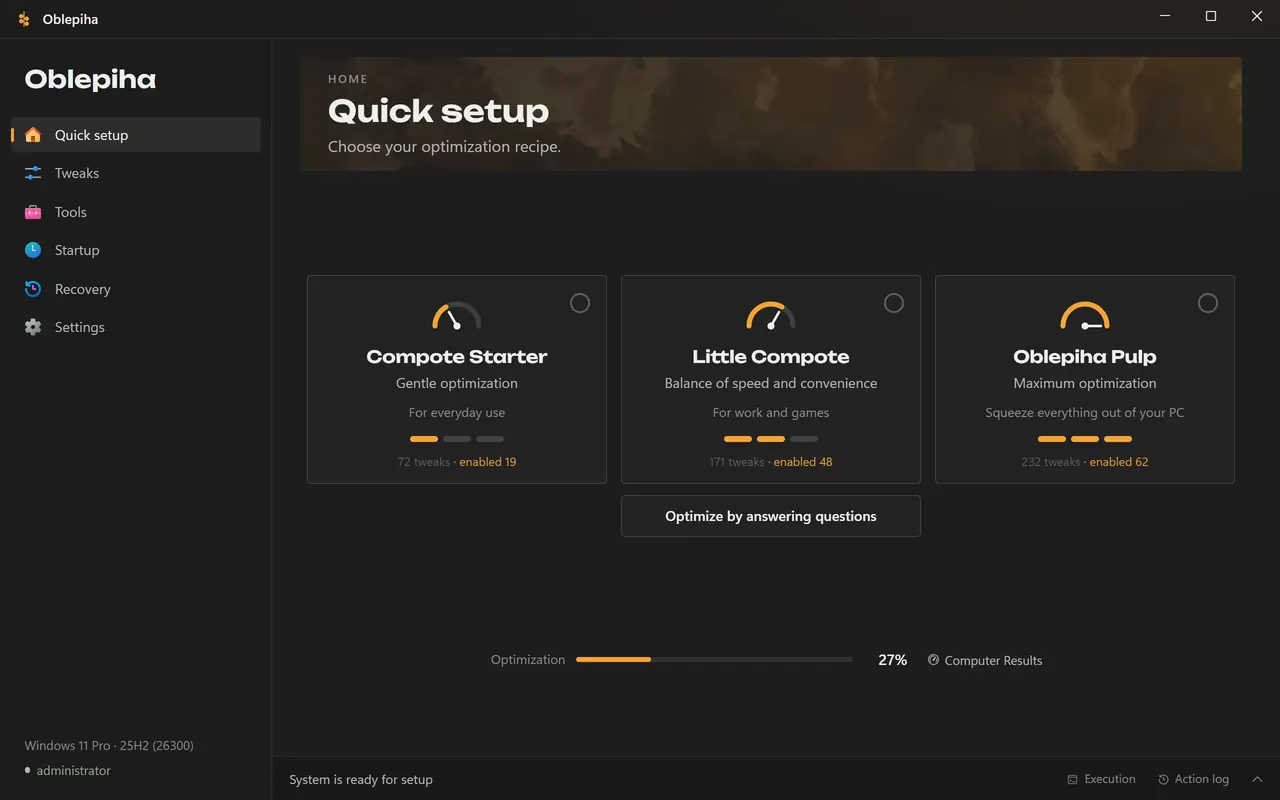
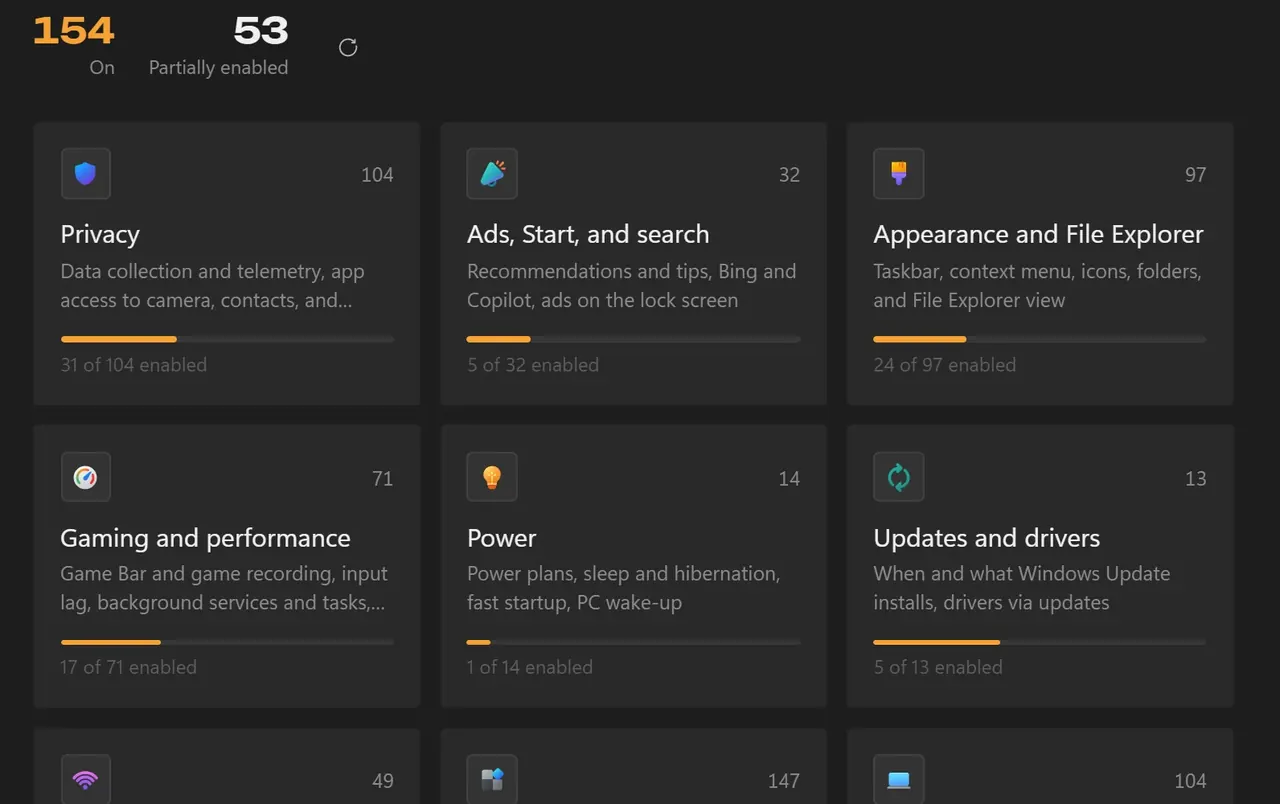
876 settings in plain language. The app reads the current state of the system, hides what does not fit this version of Windows and logs every action.
My product · Windows app
The name is funny. The features are not.
Windows settings and PC toolbox
A desktop app that switches off what Windows turns on without asking and puts a whole PC toolbox in one window: 876 settings with undo, game recording, overclocking, drivers and a custom Windows image.
Demo with test data. It does not change anything on your computer.
The demo did not start. You can open it on its own page or download the app at oblepiha.app. Open the demo ↗
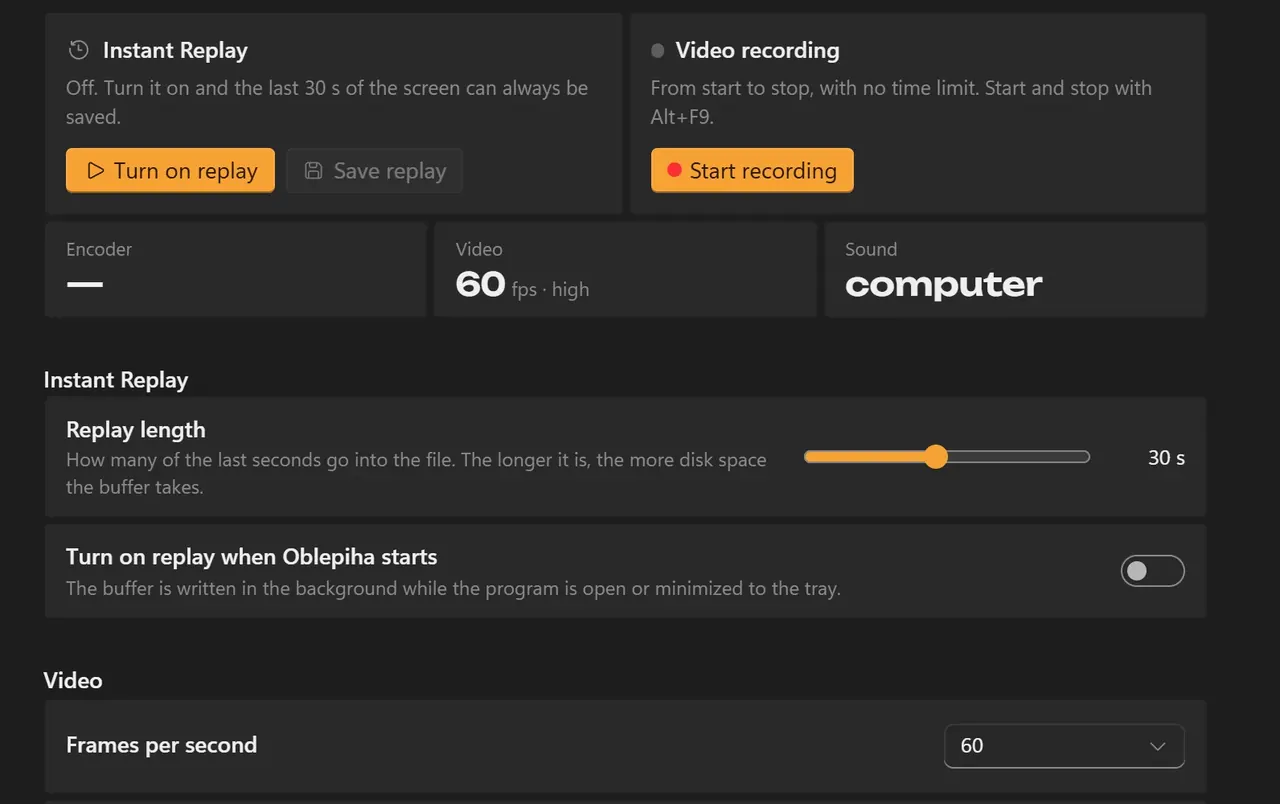
Own recording engine on Media Foundation: the last seconds stay in memory and save without re-encoding.
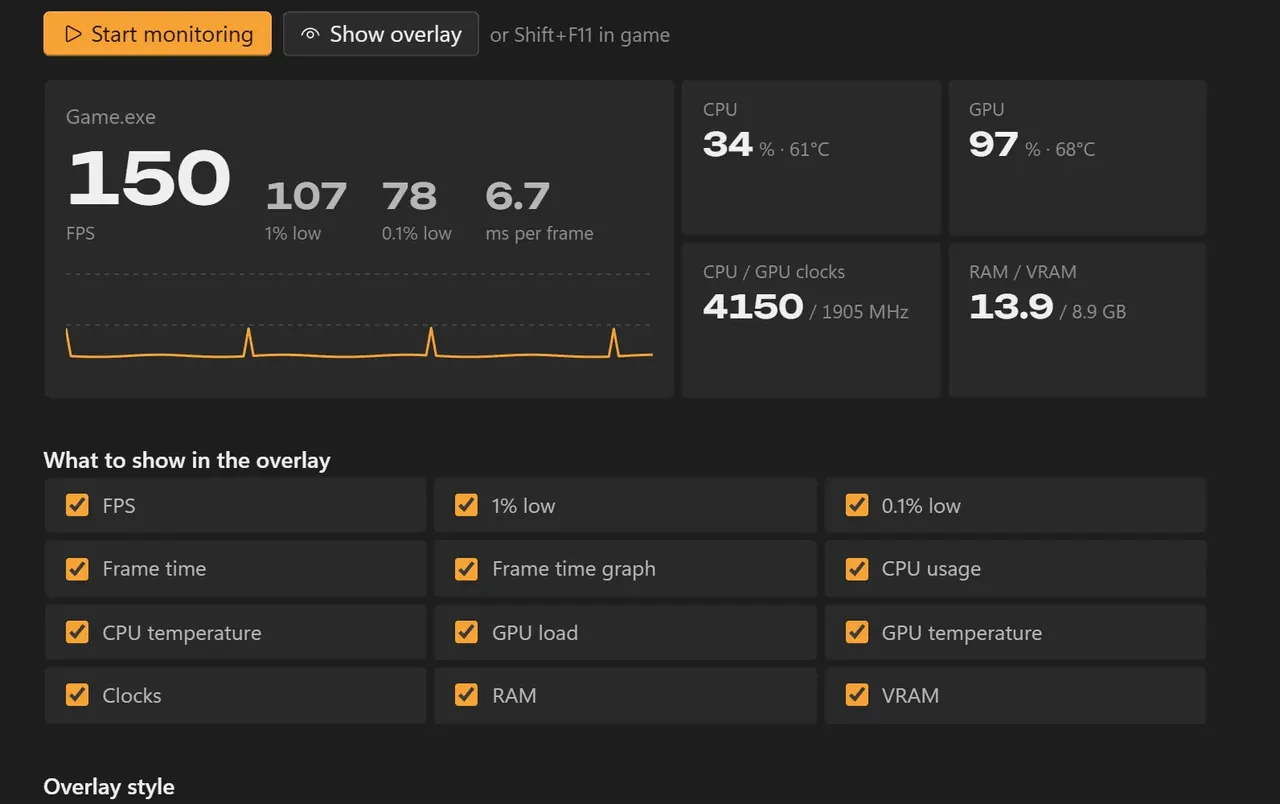
Nothing is injected into the game, so anti-cheats are not touched. Frame data comes from PresentMon.
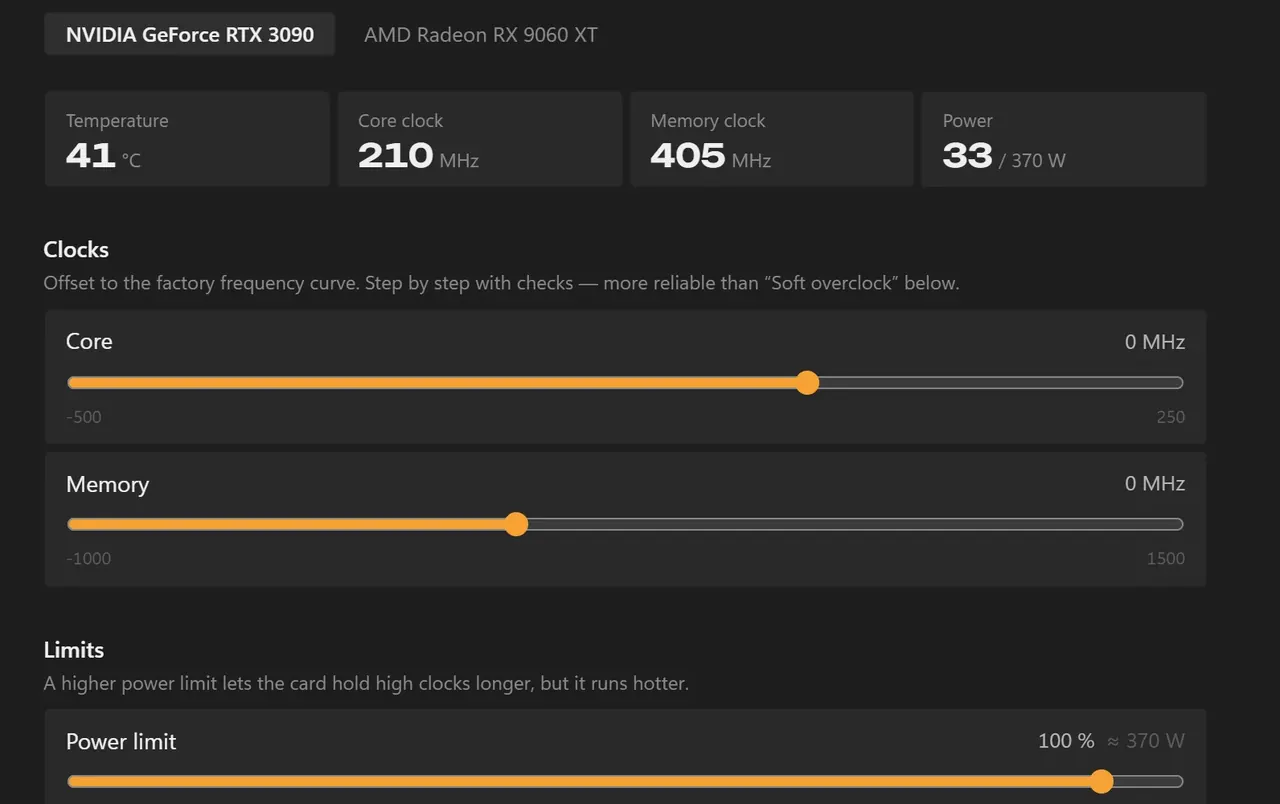
A short stress test after every step; a failure rolls the card back to the last stable step.
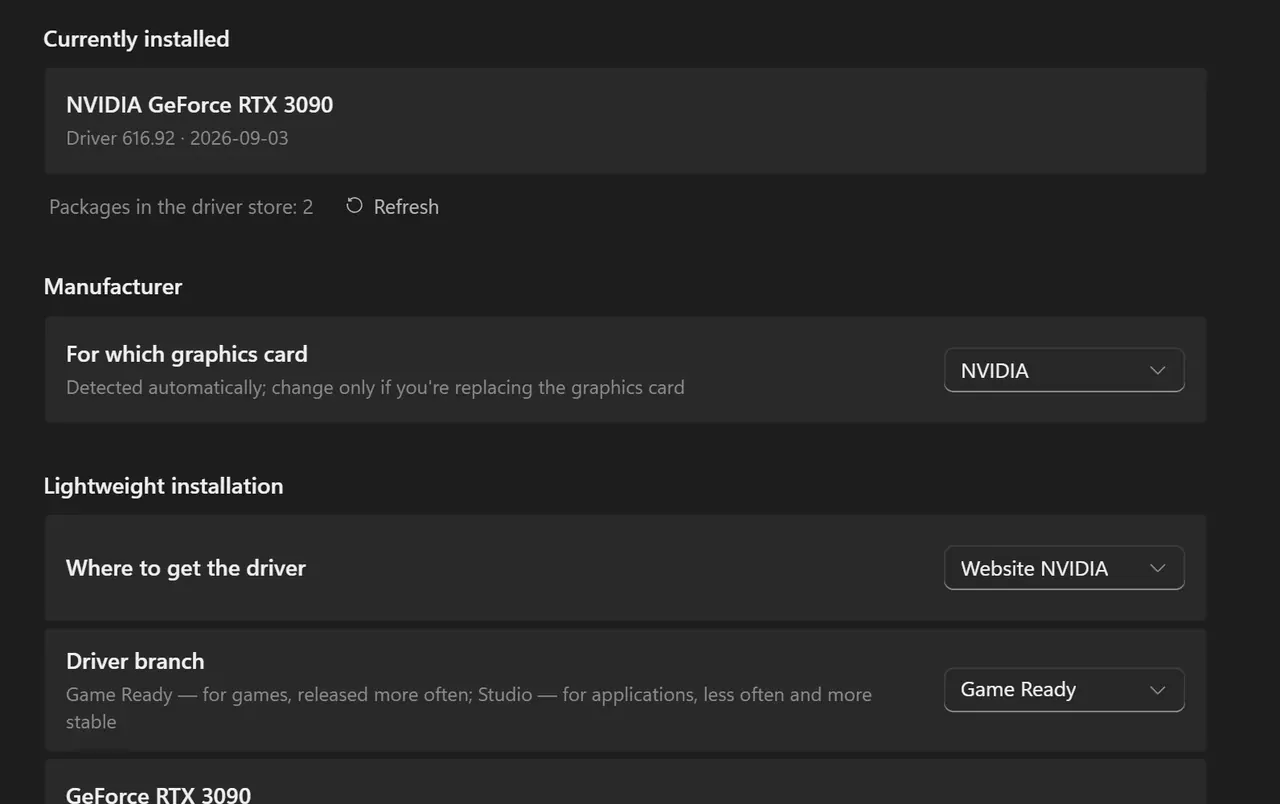
NVIDIA, AMD and Intel drivers without the extra software, and a clean removal of the old one.
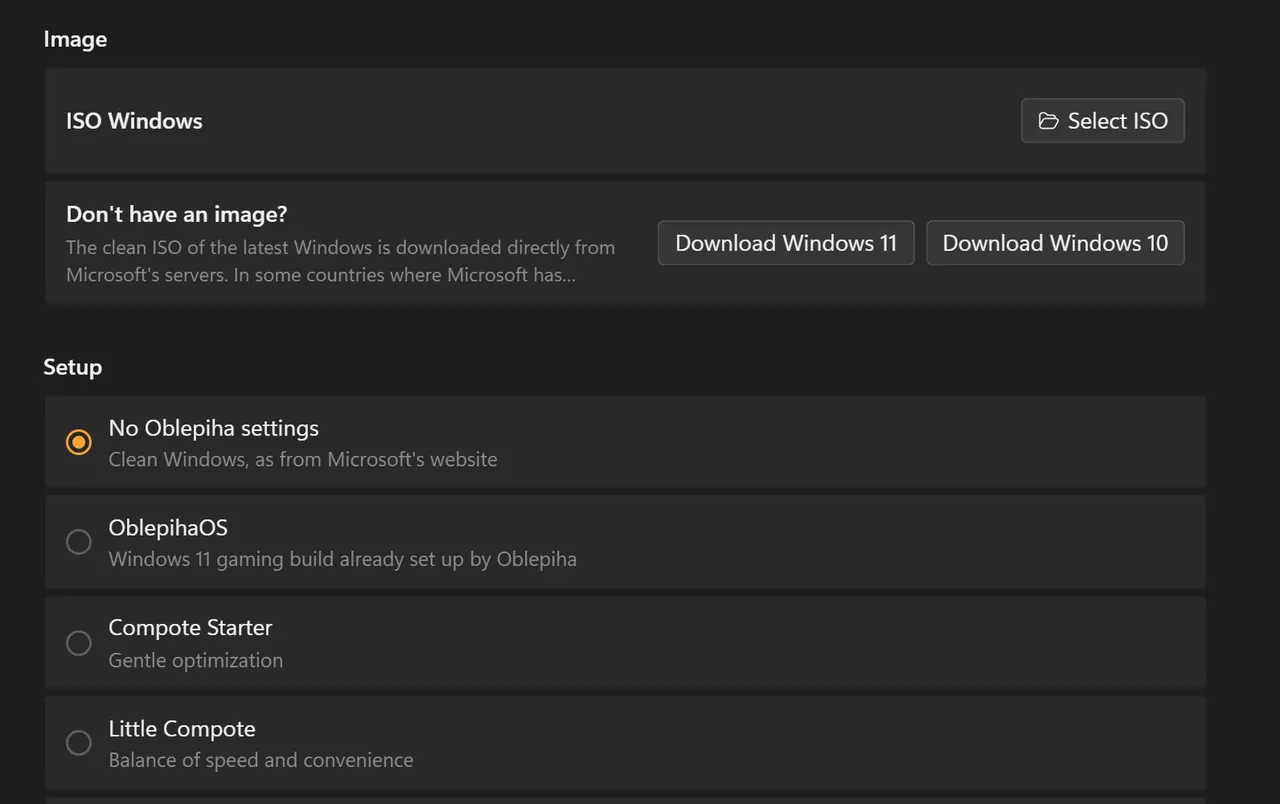
A clean ISO from Microsoft, apps removed, settings and drivers built in; setup can start from the boot menu without a USB drive.
Two PCs find each other by a code through the BitTorrent DHT and talk over an encrypted Noise channel.
Windows keeps switching things on. Fixing a PC takes a dozen tools.
Ads in Start, Bing in search, Copilot, telemetry and background apps each sit in a different place, and a big update can bring them back. On top of that, a gamer needs one program to record, another for FPS, a third to overclock and a fourth to clean drivers. Tweak scripts exist, but you have to trust them blindly. Oblepiha puts every change behind a toggle with a plain description and collects the tools in one window.
876 settings in plain language. The app reads the current state of the system, hides what does not fit this version of Windows and logs every action.
A registry snapshot before every run, restore points, undo for any setting and one button that rolls back everything the app turned on.
Game recording, FPS overlay, overclocking, fan curves, stress test, disk health, drivers, uninstaller with leftovers, startup apps and a Windows image builder.
Most people pick one of three sets or answer a short quiz and press Optimize. Experts open every setting and save their own sets.
Replay has to keep the last seconds of a game without touching the disk. Restarting an encoder every few seconds caused micro-freezes, so one hardware encoder (NVENC, AMF or Quick Sync) runs for the whole session, writes fragmented MP4 into a ring in memory, and Save assembles the clip without re-encoding.
The usual way needs a relay server in the middle. Here STUN and UPnP find a route, the two PCs meet through encrypted BitTorrent DHT records whose keys come from the pairing code (Argon2id), and the session runs over QUIC with a Noise handshake. Without the code nothing can be read or joined.
Before each step the app writes a guard file. If the PC crashes or the driver resets mid-test, the next start returns the card to stock. A dry-run mode shows what would change without writing anything to the card.
Setup files are copied to a chosen drive and a boot menu entry loads the installer into memory. The boot order, default entry and timeout are edited in the app, and the whole boot loader is backed up before every change.
A Hyper-V machine installs Windows unattended, applies and reverts each setting over PowerShell Direct and writes an HTML report, so broken settings are caught before a release.
Tell me what you need and I will name a fixed price, with no obligation.
Discuss a project